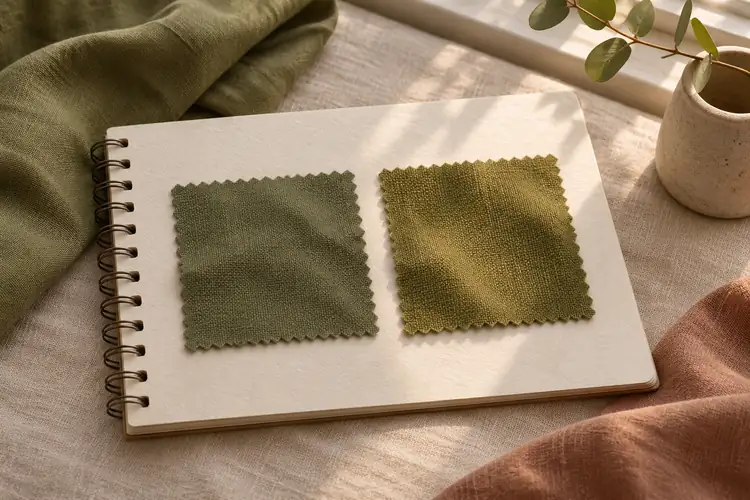
Look for a shared reference
Find something visible in both photos that ought to be similar, such as the same backing board or a paper tag. You can compare shifts when the reference is known to be the same. If that board also turns yellow, lighting or processing may explain part of the shift. A naturally warm paper tag may still appear warm in daylight, so avoid assuming it is a neutral colour target.
Name what the image could show
Suppose you only need enough contrast between a cream body and white ribbing. Ask for a single picture that places both together in bright indirect light. If your question concerns a match to trousers at home, record that a photo can support a rough comparison and write down which mismatch you would still wear.
Attach the decision to a date
In a Kakobuy spreadsheet, save the two image references, the named option and the date. Add a short note such as warm cast also visible on background board, waiting for a shared-light view. If the seller later replaces the gallery, the dated note can explain why you held the item and what evidence can reopen it.